




Model # ccn-ccqap
ColorCert QA Software
For Quality Control in Print & Packaging
- Intuitive color management with direct migration from legacy solutions
- Easy reporting and centralized data maintenance to reduce reprints
- Ink room quality assurance with connectivity to InkFormulation software
Overview
![manage standards]()
![optimize jobs on press]()
![facilitates ink room QC]()



Specifications
Support
Resources
Videos
Move Beyond Color Verification to Color Achievement
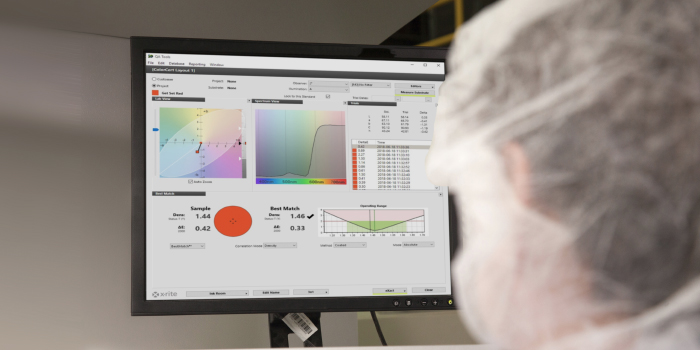
ColorCert QA is a quality control application designed to optimize press efficiency for both job and non-job-based workflows. By simplifying the selection and management of color standards and providing actionable information, ColorCert QA helps press operators shorten make ready, reduce reprints and rejections, and run more jobs per shift.
Manage Standards More Efficiently
ColorCert QA leverages digital color standards from PantoneLIVE libraries to minimize color duplication and selection errors by reducing overlapping standards within a narrow dE range. It also has direct migration capabilities from legacy software, including ColorMaster and ColorQuality, without losing data or data associations.
Optimize Jobs on Press
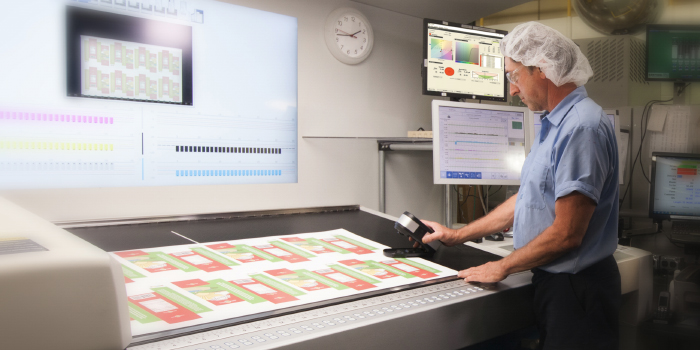
ColorCert QA makes it easy for press operators to incorporate changes with BestMatch technology. BestMatch provides information in a visual format that is easy to understand and act on, while also helping to reduce the number of trial-and-error iterations required to achieve an acceptable color match.
Facilitates Ink Room Quality Control
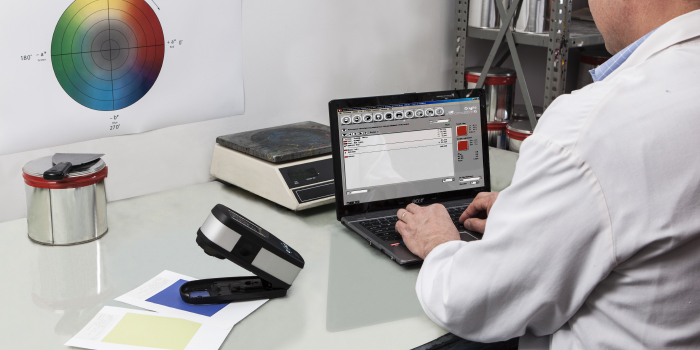
ColorCert QA integrates with InkFormulation Software to improve ink room efficiency and accuracy. With this functionality, color match performance can be recorded and tracked over time to assure consistency from batch to batch.
Optimize Your Workflows
Reduce effort spent managing brand and color standards and minimize waste with fewer reprints and rejections.
Improve Your Efficiency
Decrease time spent getting to and maintaining accurate color for more jobs on press per shift.
Easy to Maintain
Report and maintain conformance data through a centralized ColorCert QA database.
ColorCert QA
Specification
Design/Premedia
Formulation
Production
Quality Control

This online course consists of 24 modules to train both new and existing ColorCert users on the all-new ColorCert 5.0 interface.
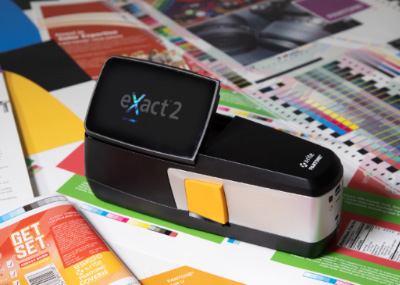
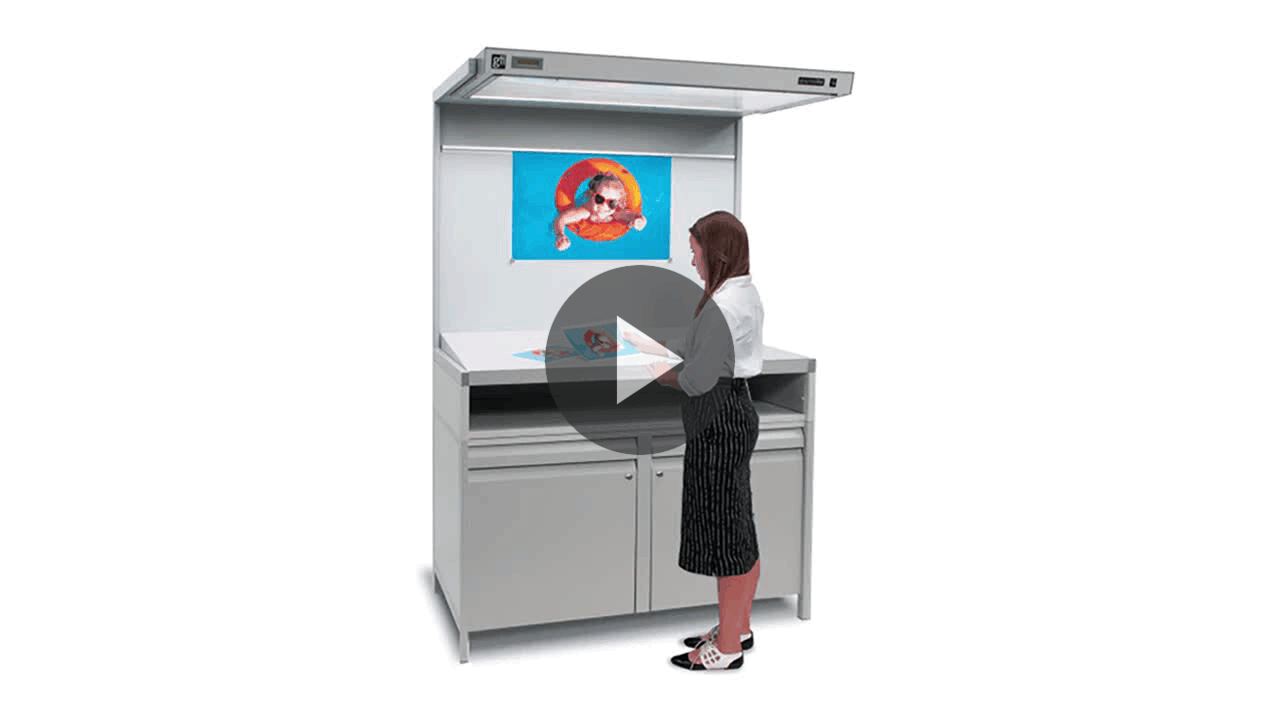
Learn how having the right digital color solutions enables packaging printers to understand brand color requirements and efficiently formulate, produce, and control packaging color.
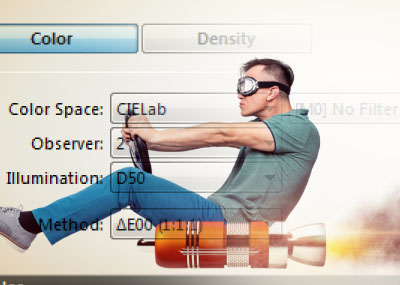
Learn how to work faster in ColorCert! Join us to explore new features in ColorCert Desktop Tools, including one convenient location to find all the information that is most important to you.
Specifications
| Available Disk Space | 1 GB or Greater |
| Color Differences | ∆E, ΔEcmc, ΔE94, ΔE00, ΔDensity, ΔLab, ΔLCh, ΔCIE Whiteness, ∆Brightness (TAPPI452), ΔStrength (SUM), ΔStrength (WSUM), ΔStrength (XYZ Auto), ΔStrength (XYZ Mean K/S), ∆Opacity, ∆Gloss, ∆MBR, w∆L, w∆Ch, ∆TVI (Dot Gain) |
| Color Spaces | CIE L*a*b*, CIE L*C*h*(ab), CIE L*C*h*(uv), CIE XYZ, CIE xyY, CIE Luv |
| Configuration Options | Manager, Pressroom, Inkroom, QA |
| Connectivity | USB, Bluetooth, WiFi (eXact 2) |
| Databases | SQLite, MS SQL Server 2016 (Minimum) |
| Display Resolution | 1400 x 900 or Greater |
| Illuminants | A, B, C, D50, D55, D65, D75, F2, F7, F11, UL35 |
| Import/Export Format | CxF, MIF, XTF, CGATS, ICC |
| Internet Connection | Yes, Used for Activation (Offline Activation Available) and Communication to Repository Server, Scorecard Server, and PantoneLIVE. Proxy configuration is available within the software application preferences. |
| Languages Supported | English, French, German, Spanish, Italian, Polish, Portuguese, Finnish, Czech, Japanese, Chinese Simplified, Chinese Traditional, Vietnamese, and Korean |
| Macintosh | macOS 13 (Ventura), macOS 14 (Sonoma), macOS 15 (Sequoia); Intel or Apple Silicon |
| Measurement Conditions | Reflectance, M0, M1, M2, M3, SPIN, SPEX |
| Memory | 4 GB or Greater |
| NetProfiler Support | Yes |
| Observers | 2 degree, 10 degree |
| PantoneLIVE Support | Yes |
| Processor | 1 GHz; 2 GHz Recommended |
| Security | System Administrator Rights Required for Installation Only |
| Supported Devices | eXact, eXact 2, Ci6x |
| Windows | Windows® 10 (64 Bit), Windows® 11 (64 Bit; Intel Only) |
Support
Resources
Videos
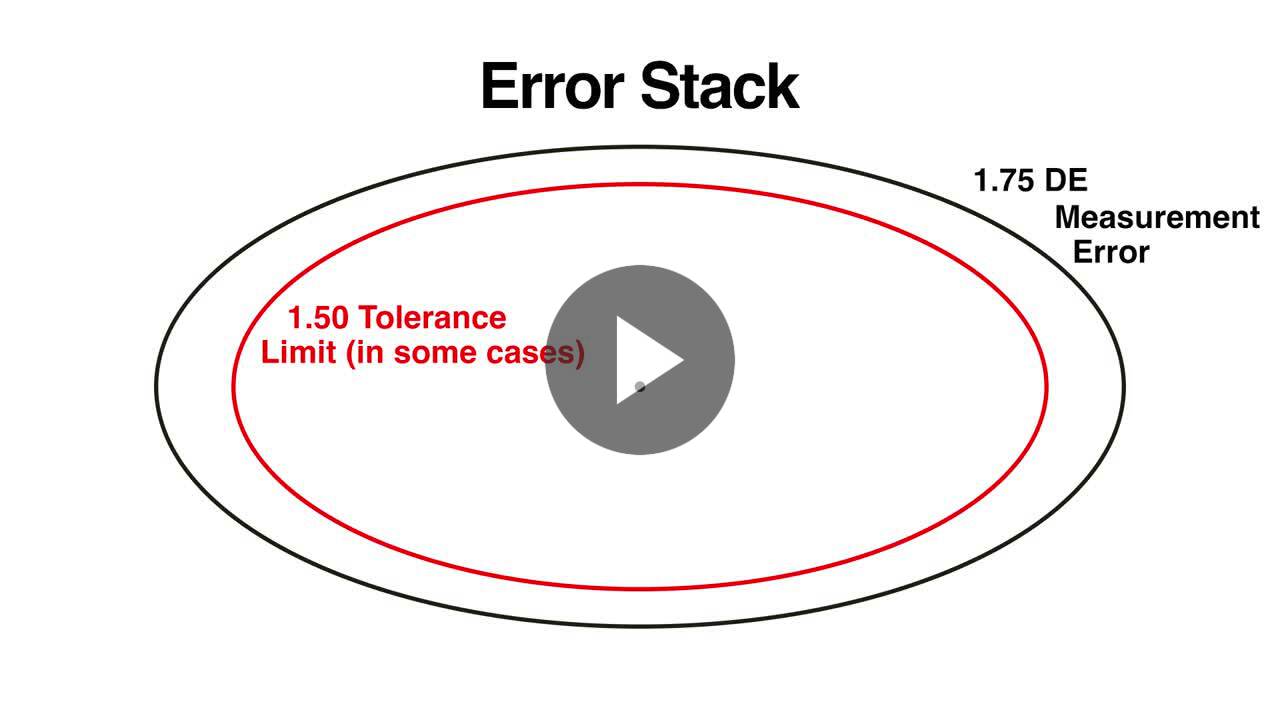
Using Digital Standards to Reduce the Color Measurement Error Stack
Learn how error stacking happens when physical samples are used for color measurement references rather than digital standards.
ColorCert: Connecting QA Tools to a Database
Learn how to connect ColorCert QA Tools to a local database and change databases.
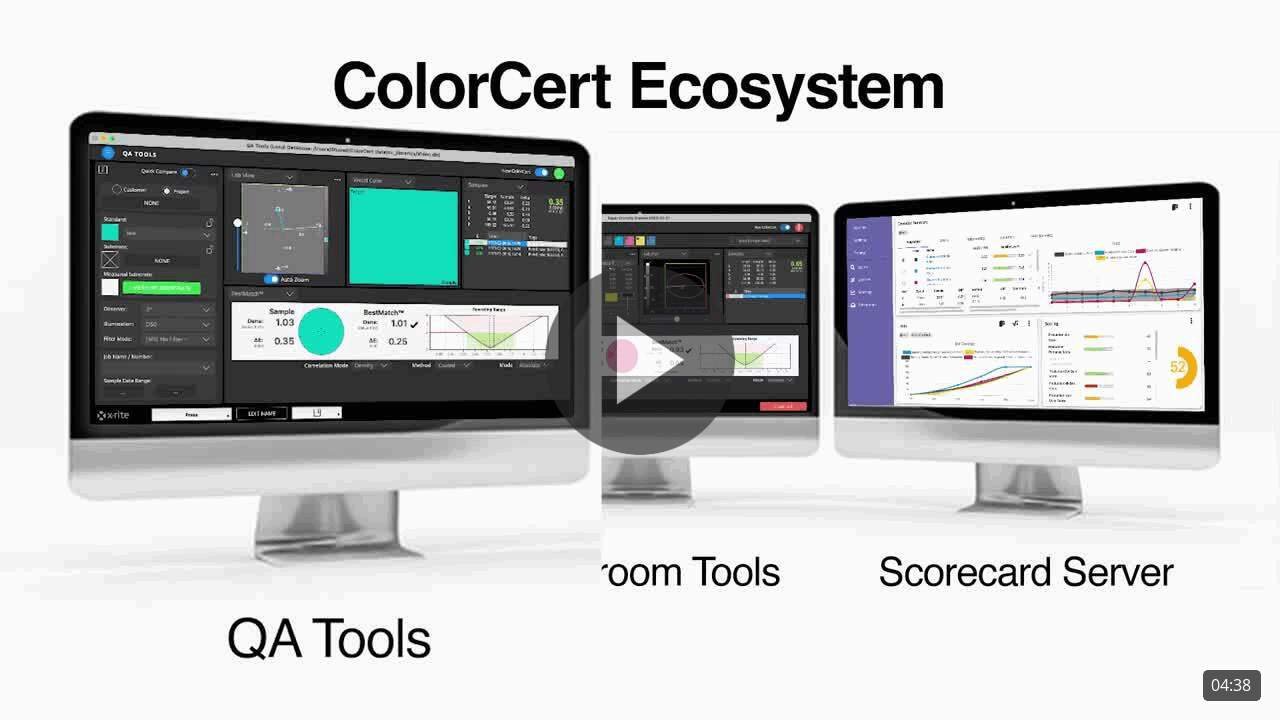
Introduction to the ColorCert Ecosystem
Learn about the various components of the ColorCert ecosystem including QA tools, Pressroom tools, and the Scorecard server.
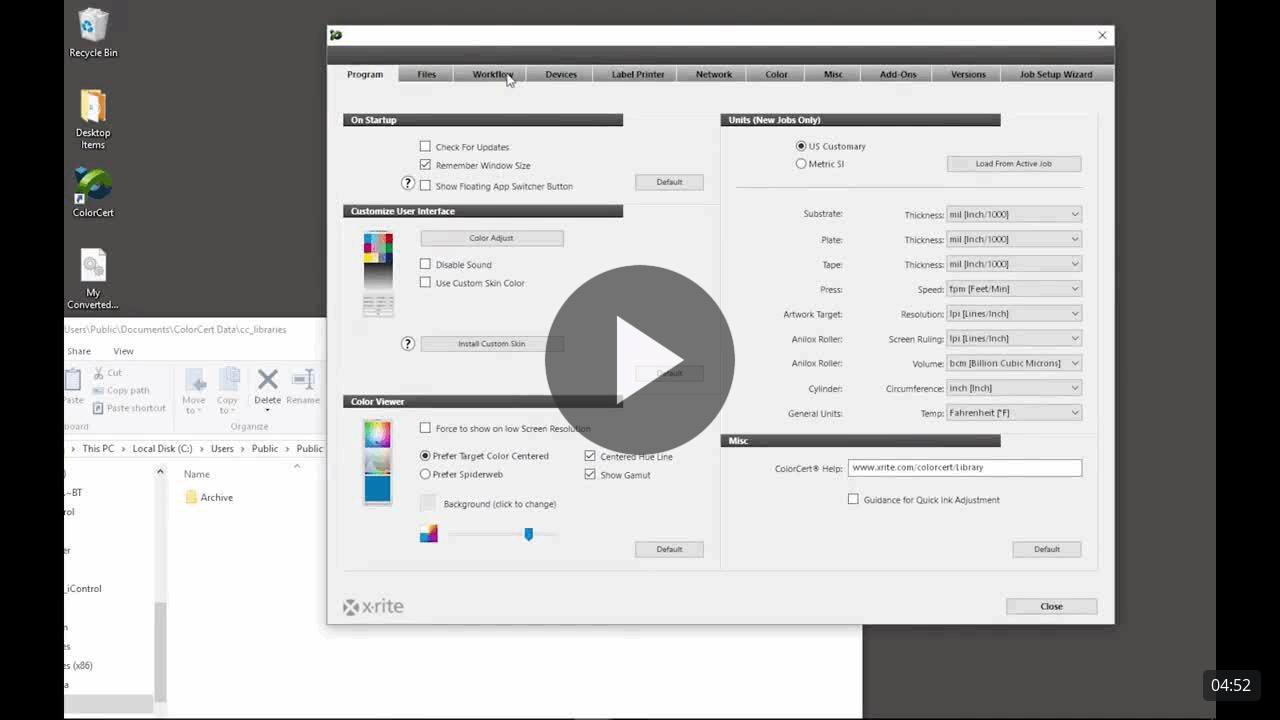
ColorCert: Installation and Configuration
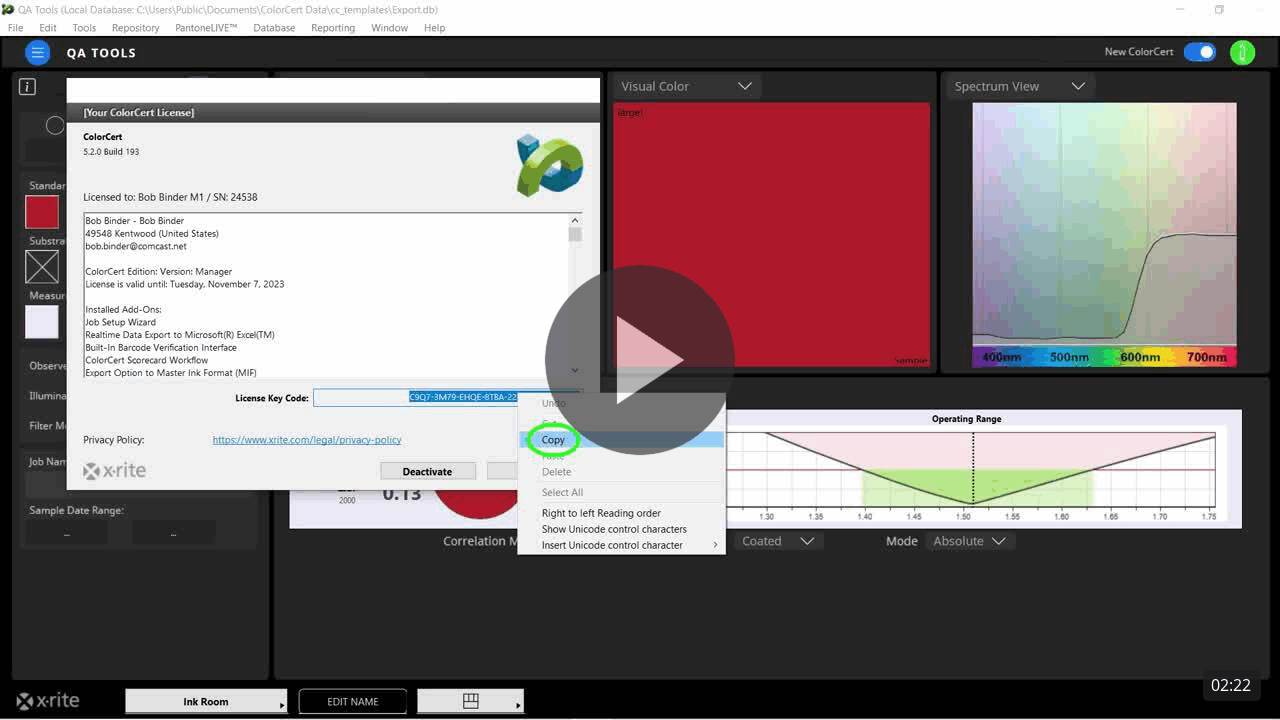
This video will guide you through installing, licensing, and configuring ColorCert for the first time.
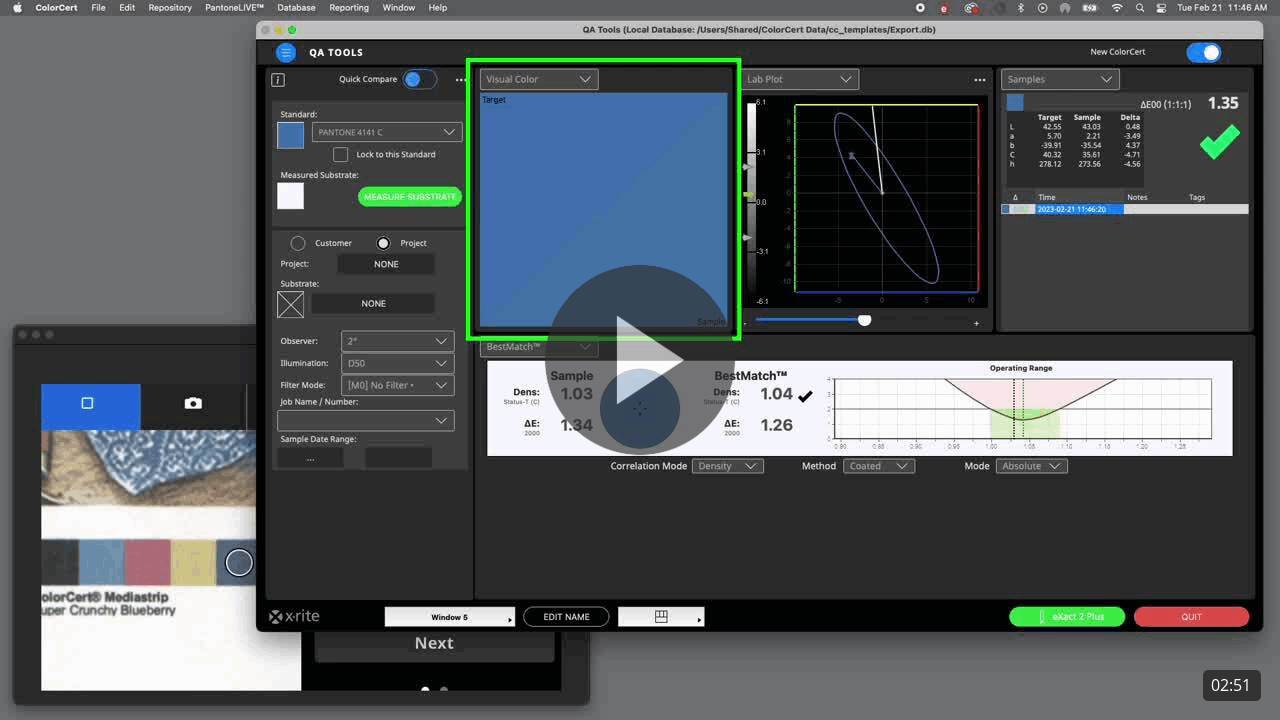
ColorCert: Using the BestMatch Feature
This video shows how to understand and use the BestMatch feature in ColorCert, reducing the number of trial-and-error iterations required to achieve an acceptable color match.
The Benefits of Using QA Software in the Pressroom
If you are new to the concept of color measurement in the pressroom, or have a hardware only solution, this video will show you the value of adding color software to your workflow.
ColorCert: Quick Color Checks with QA Tools
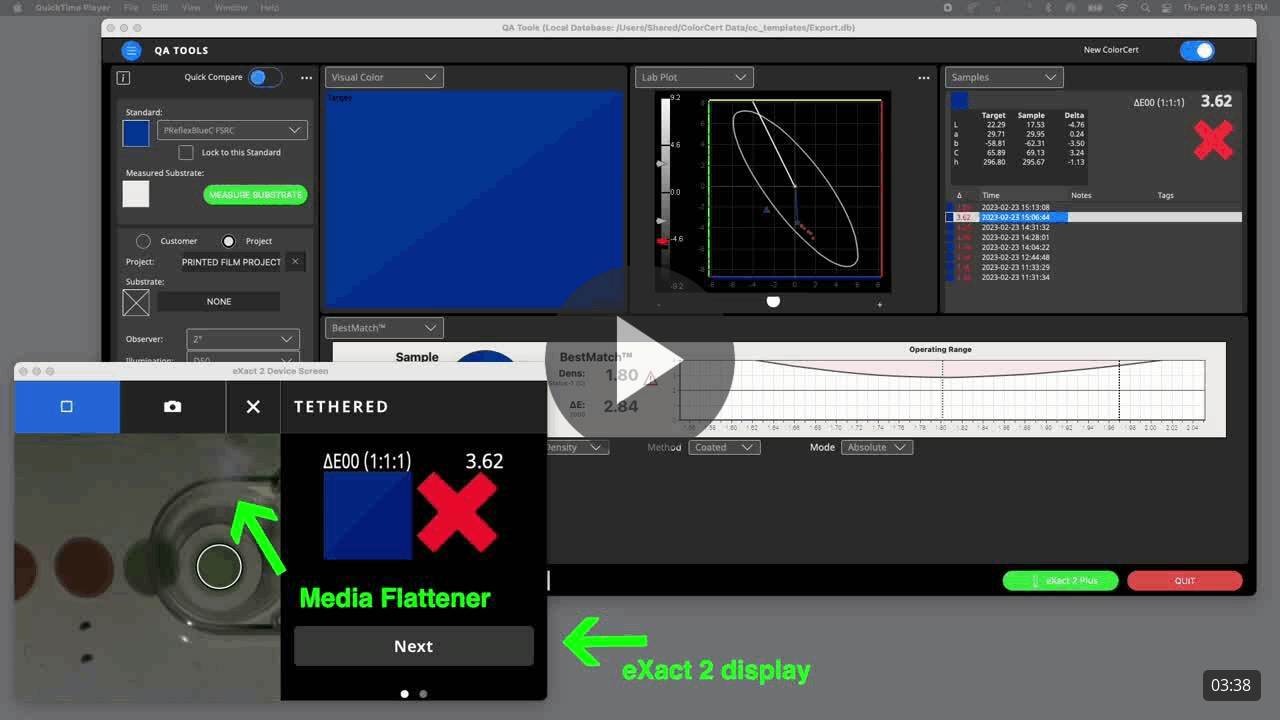
Learn why ColorCert QA Tools is the best choice when you need to quickly check the color on a production sample.
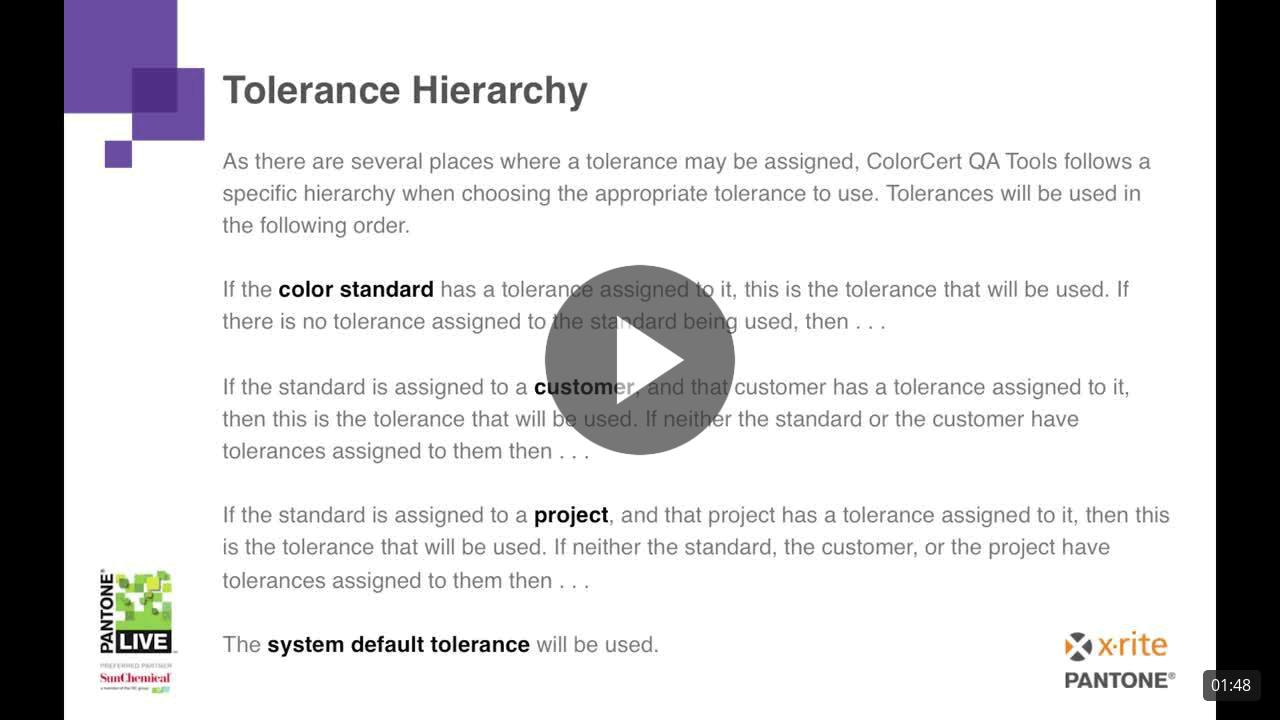
ColorCert: QA Tools Tolerance Hierarchy
This video will explain the tolerances and their hierarchy used by standards in QA Tools.
ColorCert: Moving Licenses
This video shows the process of transferring a ColorCert license from one workstation to another.
ColorCert: Using Project Mode
Learn how project mode can save time and errors by automatically selecting the appropriate standard from a pre-defined group well the operator measures trials.
The Return on Investment for Using QA Software in the Pressroom
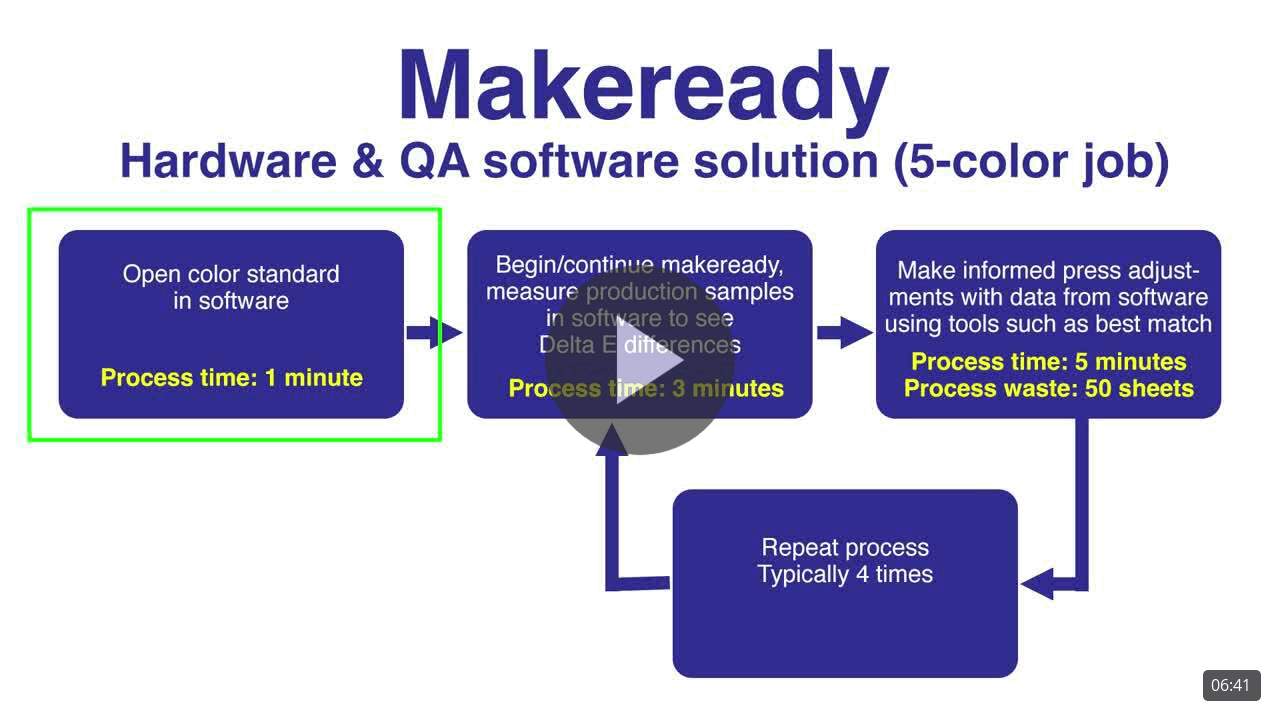
In this video you will see the differences between using a hardware only solution and using hardware combined with software in the pressroom.
