Color Measurement and Management Products
New
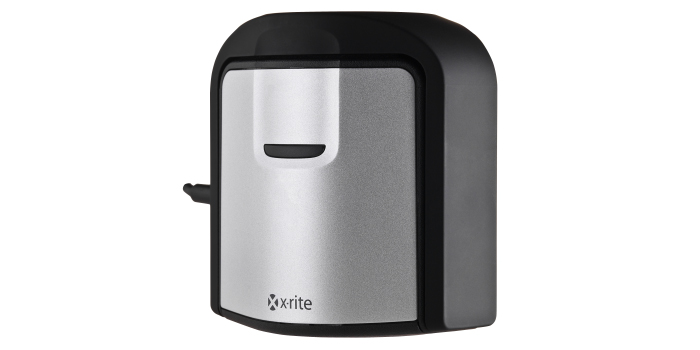
i1D3HL OEM
Achieve the most accurate on-screen color on super bright displays. Backed by decades of color science and technology know how, i1D3HL is ideal for today’s emerging high luminance HD and HDR displays.
New
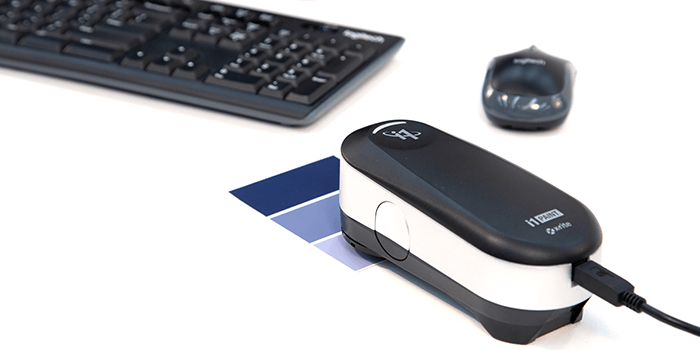
i1 Paint Handheld Spectrophotometer
For Retail Color Measurement on Common Samples
i1 Paint is a cost-effective and easy-to-use handheld spectrophotometer that enables retail paint associates to color match common samples, including fan deck cards and painted items.
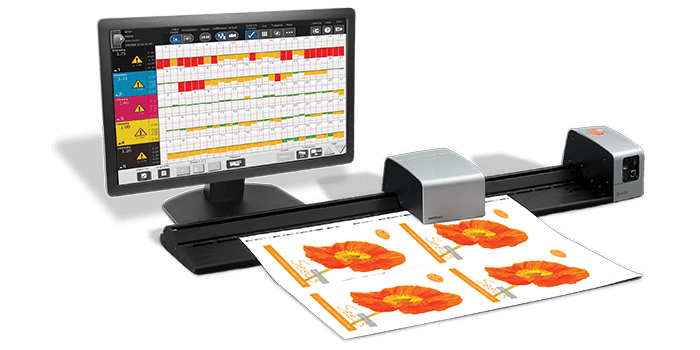
IntelliTrax2
The X-Rite IntelliTrax2 is the premier, non-contact, automated scanning device, that minimizes human error when scanning to maximize efficiency and productivity, reduce rework.
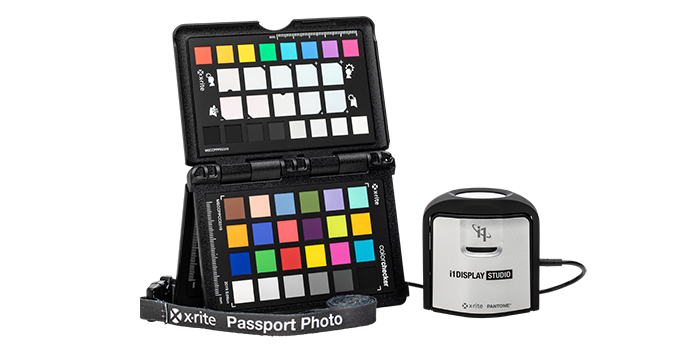
i1 ColorChecker Photo Kit
i1 ColorChecker Photo Kit includes i1Display Studio and ColorChecker Passport Photo 2, two essential tools to achieve fast, efficient color accuracy and control for any photo production.
Out of Production
New
i1D3 OEM
To achieve the most accurate on-screen color, it is critical to use a measurement device that takes the guesswork and frustration out of measuring, calibrating, and profiling a display’s technology. When it comes to measuring on-screen color, the i1D3 OEM device is the leading color calibrator for display manufacturers and 3rd party display software developers around the world.
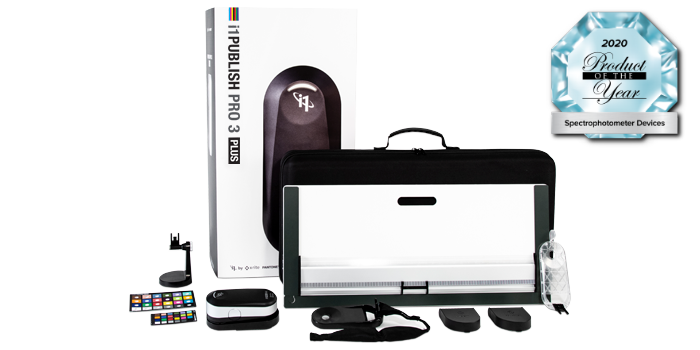
i1Publish Pro 3 Plus
Quickly and easily create custom profiles for cameras, monitors, digital projectors, scanners, and printers and ensure color accuracy from capture to output with the i1Publish Pro 3 Plus.
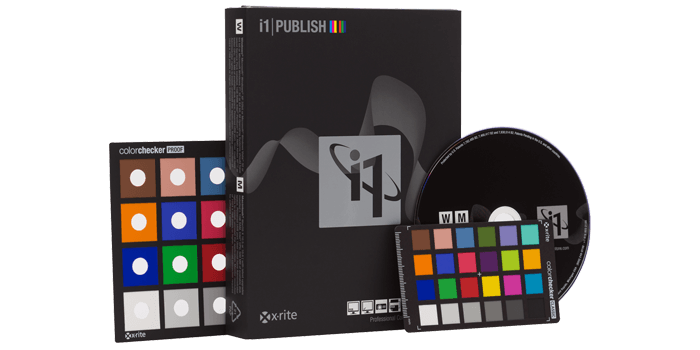
i1Publish Upgrade
Upgrade your i1Match, ProfileMaker or MonacoPROFILER solution to the complete functionality of i1Publish. Add an i1Pro 2 spectrophotometer for even more capability.
New
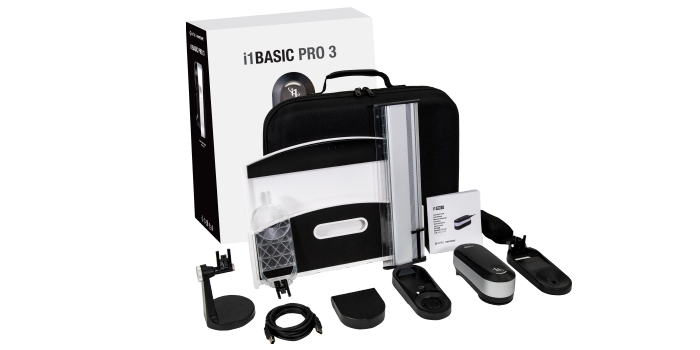
i1Basic Pro 3
i1Basic Pro 3 is an affordable, professional-level spectral color measurement solution including display and projector profiling and print quality assurance.
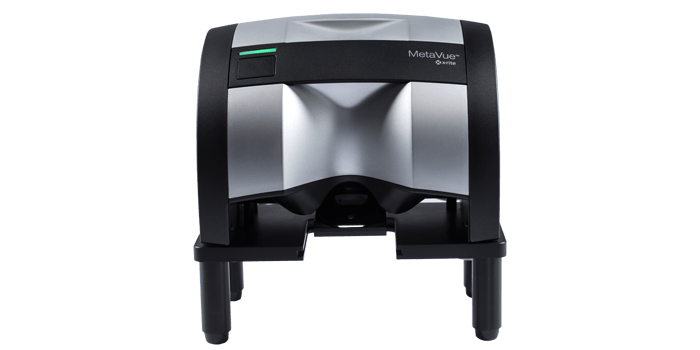
Instrument Stand
The Instrument Stand for the MetaVue VS3200 non-contact spectrophotometer enables measurement of samples such as liquids, pastes, powders and gels without contaminating the instrument.
IntelliTrax2 Pro
Premier Press Side Scanning Solution
The IntelliTrax2 Pro integrated scanning solution provides mid- to large- size commercial and folding carton printers with instant feedback on job performance, with improved quality control reporting and with G7® compliance, for an end-to-end connected pressroom workflow.
New
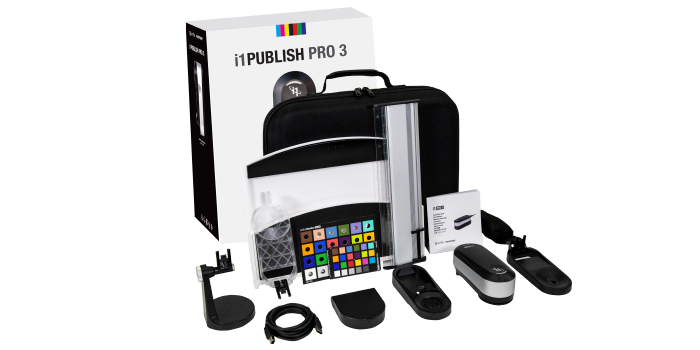
i1Publish Pro 3
Quickly and easily create custom profiles for monitors, digital projectors, scanners, and printers and ensure color accuracy from capture to output with the i1Publish Pro 3.
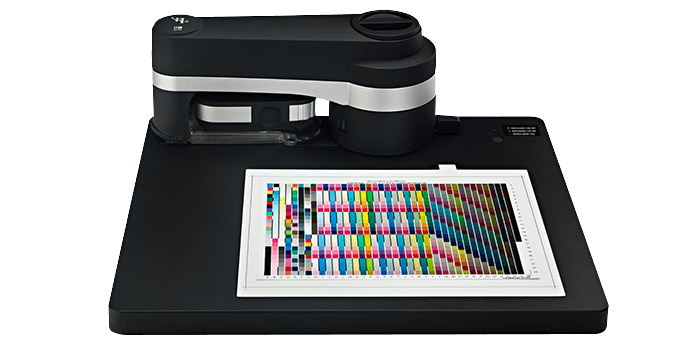
i1iO
X-Rite i1iO Automated Scanning Table enables hands-free test chart reading for automated color profiling on a variety of substrates with reduced risk of color measurement errors.
Out of Production
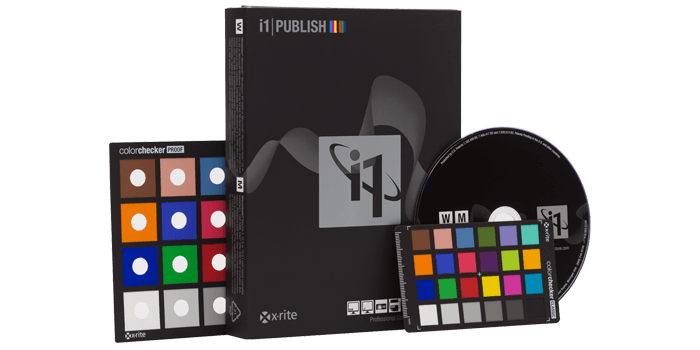
i1Publish
With i1Publish, quickly and easily create custom profiles for cameras, monitors, digital projectors, scanners and printers, ensuring color accuracy from capture to output.
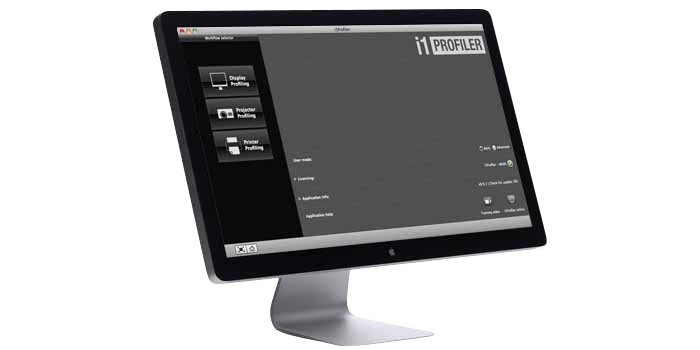
i1Profiler Software
i1Profiler software delivers the perfect balance of calibration automation with a full range of profiling options to achieve creative color control for monitors and printers.
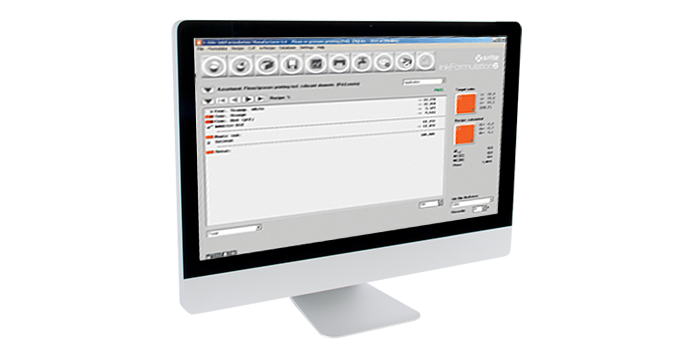
InkFormulation Software
For Formulating Inks
InkFormulation Software is a fast, accurate, consistent ink formulation, formula creation, storage, approval and retrieval solution for offset, flexo, gravure and screen-printing inks.
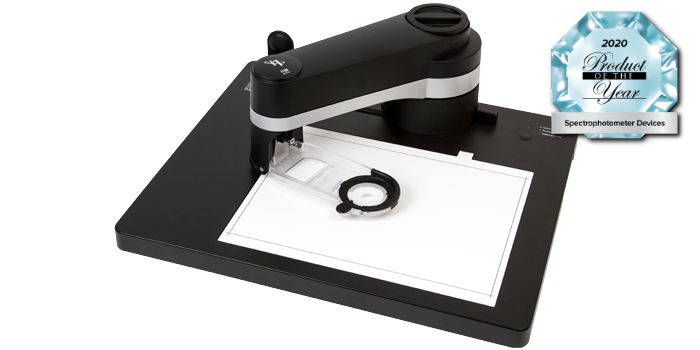
i1iO for i1Pro 3 & i1Pro 3 Plus
The i1iO is a robotic, automatic chart reading system designed for photographers, designers, and printers who want to eliminate manual strip reading.

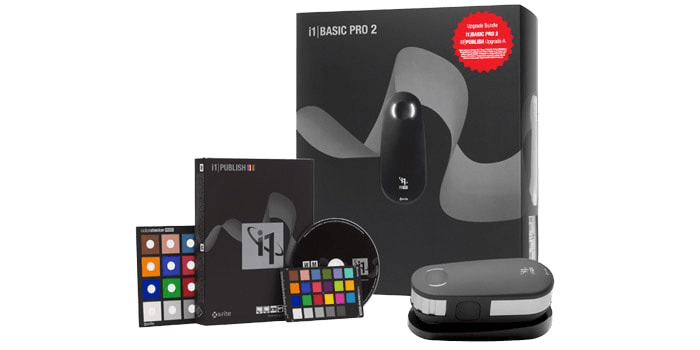
i1Publish Pro 2 Upgrade
Upgrade your existing X-Rite (or GretagMacbeth) i1 color management solution to the complete functionality of i1Pro 3 or i1Pro 3 Plus.
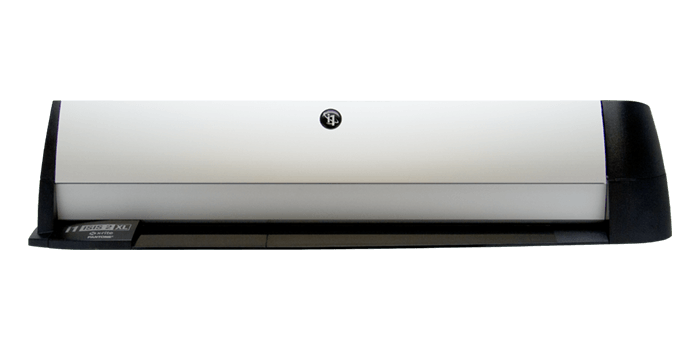
i1iSis 2 XL
The i1iSis 2 XL A3/Tabloid automated chart reader is the ideal instrument to speed up and automate printer profile creation, now supporting M1 measurement standards.
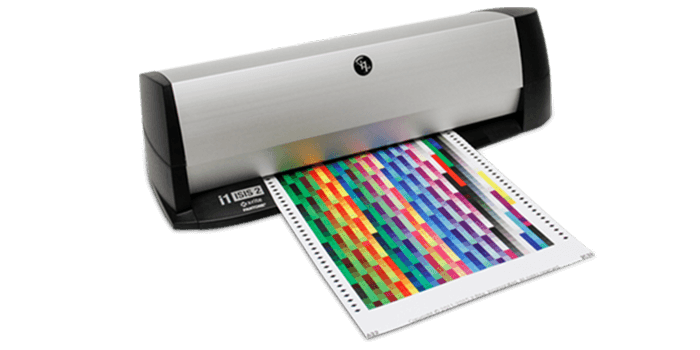
i1iSis 2
The i1iSis 2 A4/Letter automated chart reader is the ideal instrument to speed up and automate printer profile creation, now supporting M1 measurement standards.
New
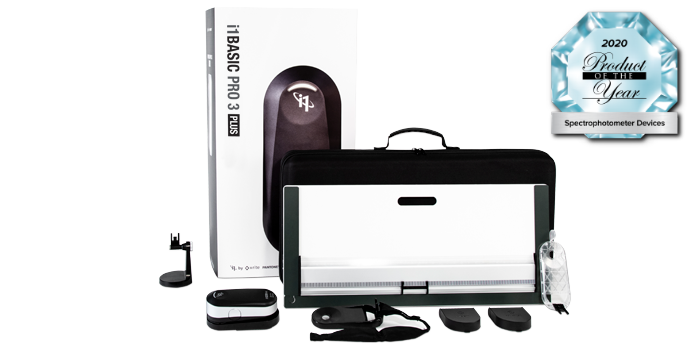
i1Basic Pro 3 Plus
i1Basic Pro 3 Plus is an affordable, professional-level spectral color measurement solution including display and projector profiling and print quality assurance.
