Color Measurement and Management Products

Textile Color Hub
For Digital Textile Brand Color Specification
With Textile Color Hub, apparel brands can securely communicate and control specified brand colors without shipping physical samples so suppliers can get 95% of lab dips right the first time.
PANTORA
For Creating Virtual Materials and File Formats
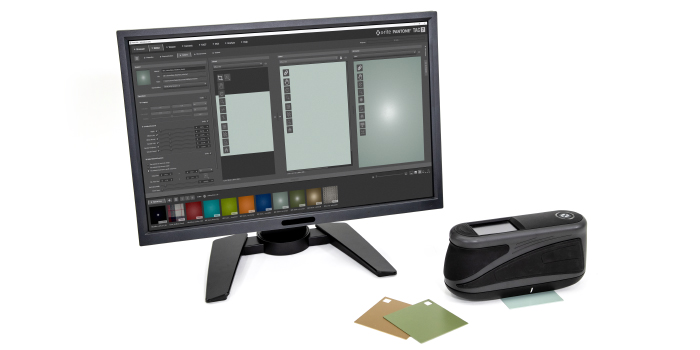
The PANTORA desktop application enables users to capture, store, manage, view and edit virtual materials and digitally exchange them via a vendor neutral Appearance Exchange (AxF) file format.
eXact Auto-Scan Pro
Press-Side Scanning Solution
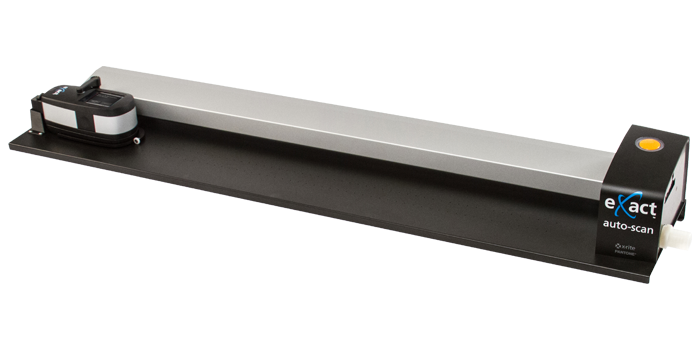
The X-Rite eXact Auto-Scan Pro integrated solution provides small to mid-size printers with instant feedback on job performance, with improved quality control reporting and with G7® compliance.
eXact Auto-Scan
Versatile Scanning System
The X-Rite eXact Auto-Scan is a versatile press side scanning device that provides flexibility for measuring color with spot, manual, and automated scanning capabilities.
IntelliTrax2
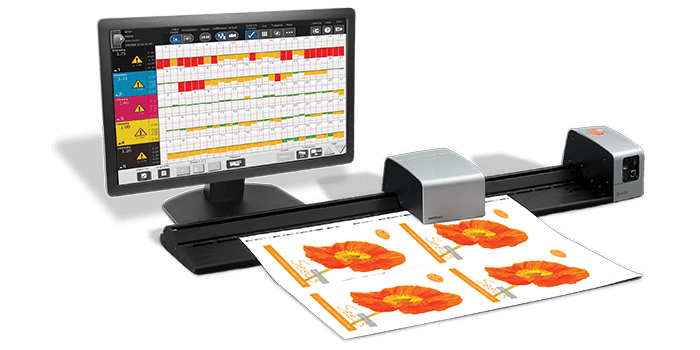
The X-Rite IntelliTrax2 is the premier, non-contact, automated scanning device, that minimizes human error when scanning to maximize efficiency and productivity, reduce rework.
i1Profiler Software
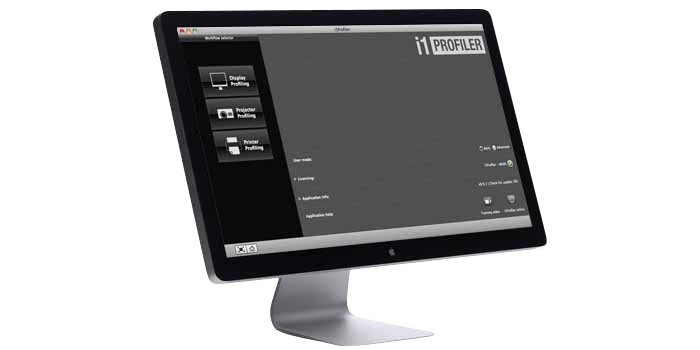
i1Profiler software delivers the perfect balance of calibration automation with a full range of profiling options to achieve creative color control for monitors and printers.
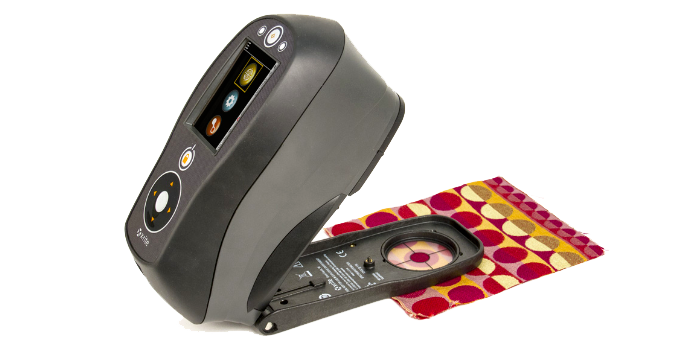
Ci64 Handheld Spectrophotometer
For the Most Accurate and Precise Measurement
X-Rite’s most precise handheld sphere spectrophotometer, the Ci64 is available in three models offering simultaneous SPIN/SPEX, correlated gloss, and a UV option.
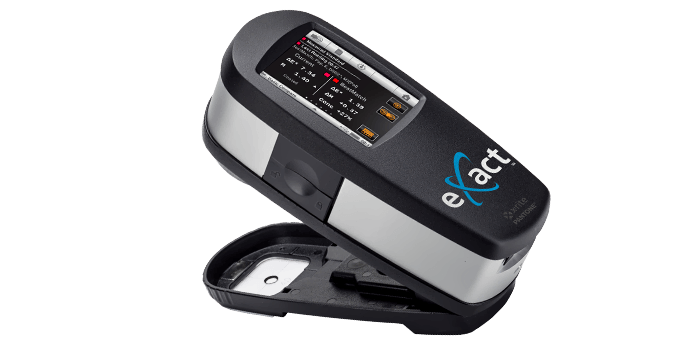
eXact Standard
Spectro for use on Paper & Paperboard
Specifically designed for printers and packaging converters, the eXact Standard is the market leading spectrophotometer to validate the color of CMYK and spot color inks. It leverages job-based tools with industry color standards to increase press process control and connects with PantoneLIVE and NetProfiler to maximize color accuracy within the workflow.
New
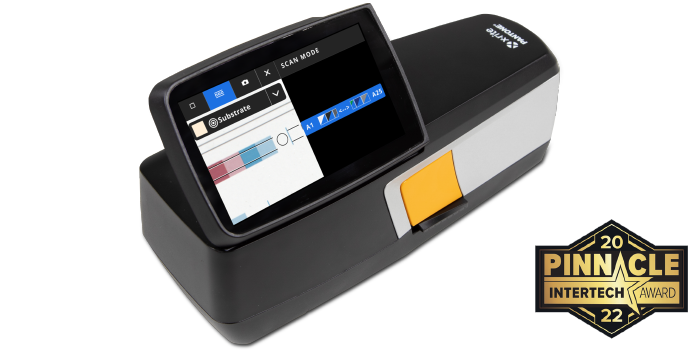
eXact™ 2 Xp Portable Spectrophotometer
For film, plastic, foil with white opaque
Designed for use on flexible film substrates, eXact 2 Xp ensures accurate printing of both CMYK and spot colors and leverages software and industry standards for intuitive process control.
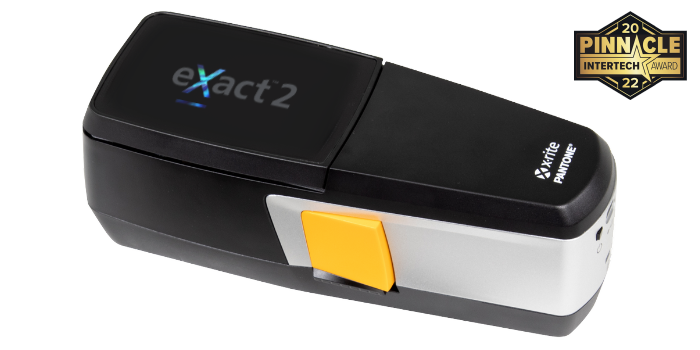
eXact™ 2 Plus Portable Spectrophotometer
For all Print and Packaging Substrates
The ultimate handheld, eXact 2 Plus adds intelligence to evaluate ink and paper, versatility to switch between polarized and non-polarized and includes all eXact family features.
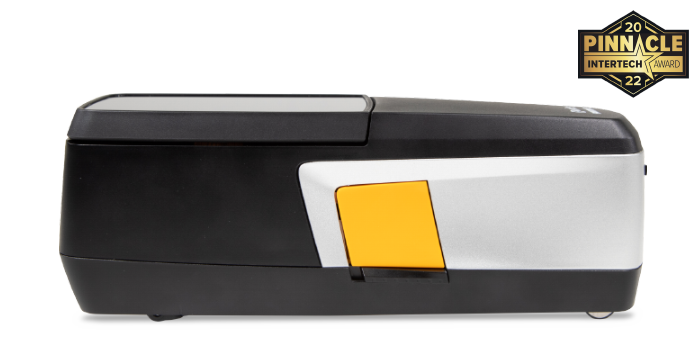
eXact™ 2 Portable Spectrophotometer
For paper, corrugated, carton board substrates
Designed for use on paper substrates, eXact 2 features advanced measurement technology, first-to-market Mantis(TM) video targeting, WiFi connectivity, and an intelligent interface.
eXact Advanced
Spectro for Ink, Print & Packaging
Ideal for ink rooms, quality control labs, and print and packaging manufacturing facilities with the highest standards, the eXact Advanced can measure the color of ink and paper before, during, and after print production to ensure color stays on target. It also connects with PantoneLIVE and NetProfiler to maximize color accuracy within the workflow.
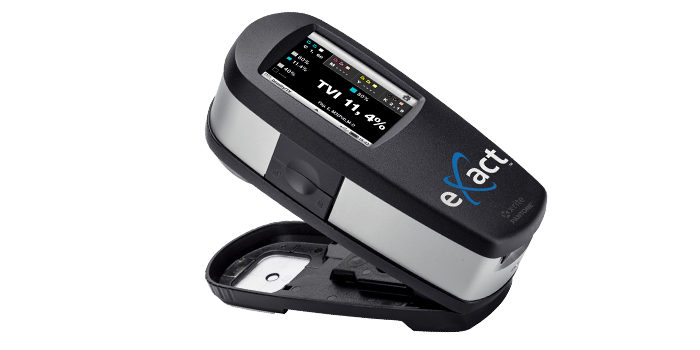
eXact™ Basic Reflection Densitometer
Densitometer for CMYK jobs
Looking for a simple device to measure density on press? The eXact Basic densitometer is designed specifically for CMYK jobs, enabling you to achieve and maintain accurate color throughout the run. With the eXact Basic, you can replace visual trial and error with fact-based color control for improved accuracy and consistency.
New
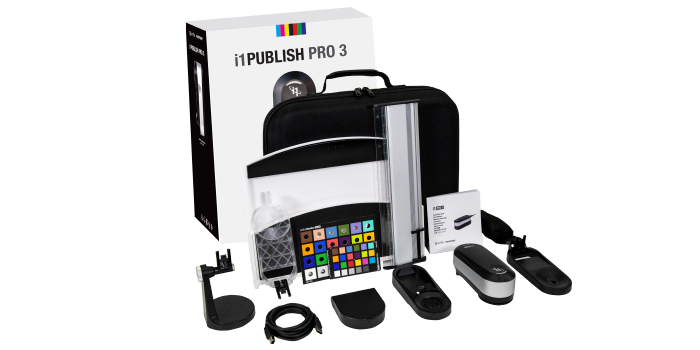
i1Publish Pro 3
Quickly and easily create custom profiles for monitors, digital projectors, scanners, and printers and ensure color accuracy from capture to output with the i1Publish Pro 3.
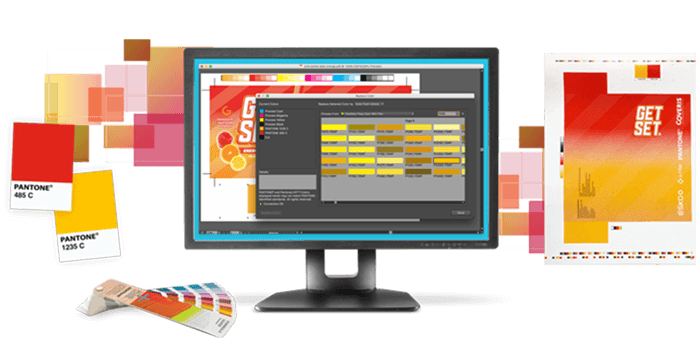
PantoneLIVE Design
PantoneLIVE Design gives designers and prepress teams access to Pantone digital color libraries and to private brand libraries for use during the inspiration, creation and prepress phases. This license enables Adobe Illustrator to work with PantoneLIVE. Requires free PantoneLIVE Adobe Illustrator plugin.
New
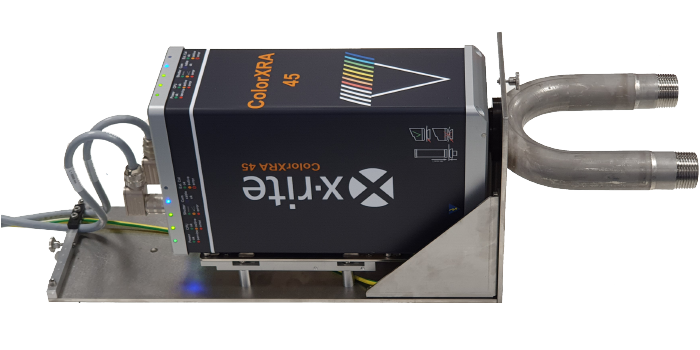
ColorXRA 45 Pulp
For Measuring Pulp Inline
The ColorXRA 45 Pulp is an inline spectrophotometer to measure color, whiteness and brightness during the pulp manufacturing process to identify shifts early so corrections can be made.
New
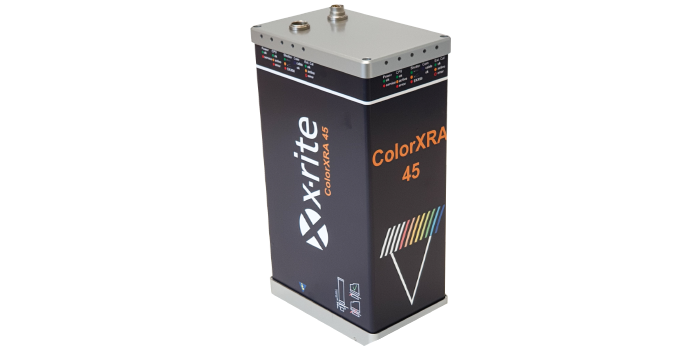
ColorXRA 45
For Inline Paper and Plastic Color Measurement
A compact UV-calibrated 45°:0° inline, non-contact spectrophotometer, ideal for identifying color shifts early and throughout production for paper and plastic applications.
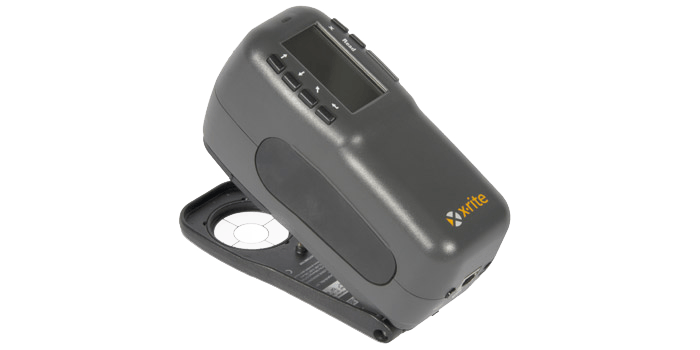
962 Handheld Spectrophotometer
For Convenient Color Measurement
The X-Rite 962 is an entry-level handheld 0/45 spectrophotometer designed to address a wide range of industry-specific color formulation and quality control needs.
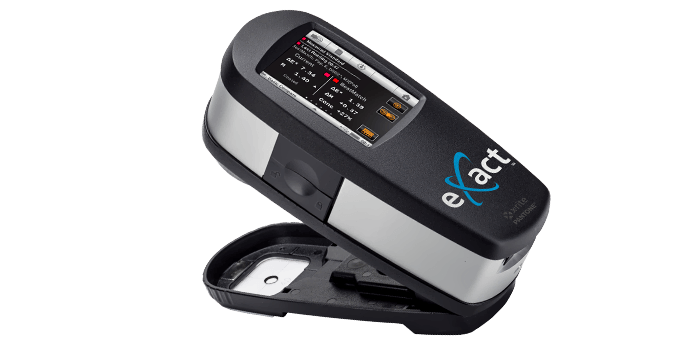
eXact Xp
Spectro for use on Flexible Film
Available in all eXact models, the eXact Xp is a feature-rich and easy-to-use handheld spectrophotometer specifically designed to help flexible packaging converters and ink manufacturers achieve accurate and consistent measurements on flexible films and other print and packaging substrates.
eXact™ Basic Plus Reflection Densitometer
Densitometer with Pass/Fail
Need a device to measure all aspects of CMYK in the pressroom? The eXact Basic Plus automatically detects color and patch type and compares production density measurements against stored standards with pass/fail indication. The eXact Basic Plus can help increase efficiency by decreasing measurement time and improving print accuracy.
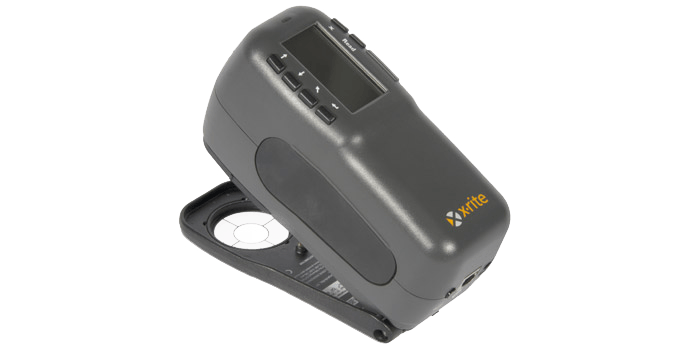
964 Handheld Spectrophotometer
For Consistent Color Measurement
The X-Rite 964 is a handheld 0/45 spectrophotometer designed to address a wide range of industry-specific color formulation and quality control needs.
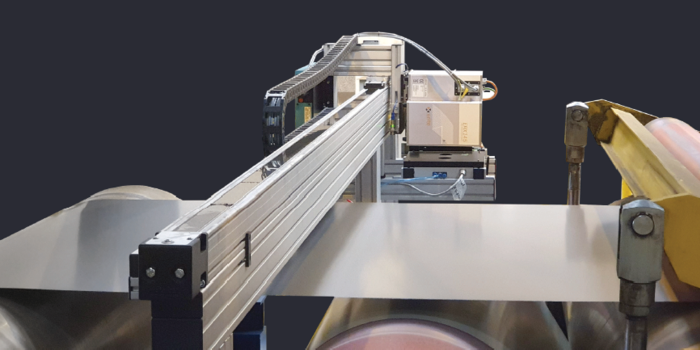
ERX145
For Inline Coil Coating Measurements
The ERX145 non-contact spectrophotometer is designed to capture color measurements on coil coatings in the lab and on the production line.
New
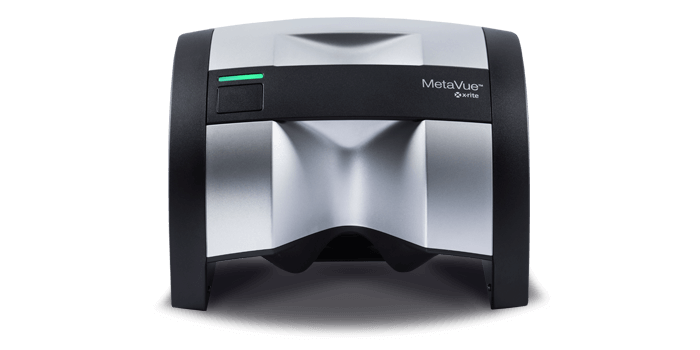
MetaVue™ VS3200 Non-Contact Benchtop Spectrophotometer
For QC & Formulation Measurement
The MetaVue™ VS3200 non-contact imaging spectrophotometer brings breakthrough versatility and accuracy to measurement of wet and dry paints, plastics, cosmetics and small and odd-shaped samples.
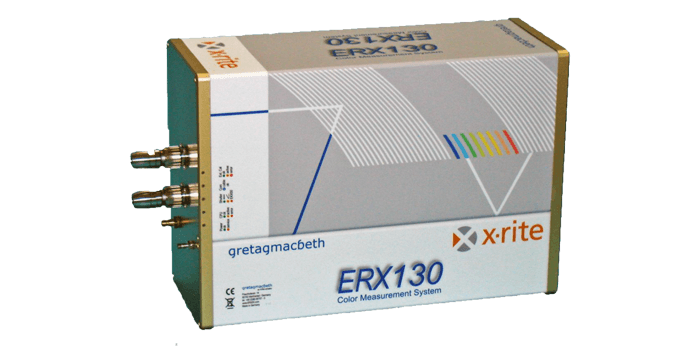
ERX130
For Inline Reflectance Measurements
The ERX130 inline spectrophotometer captures reflectance measurements on homogenious, small patterned and varigated samples during production to provide operators with real-time color information.
