Color Measurement and Management Products
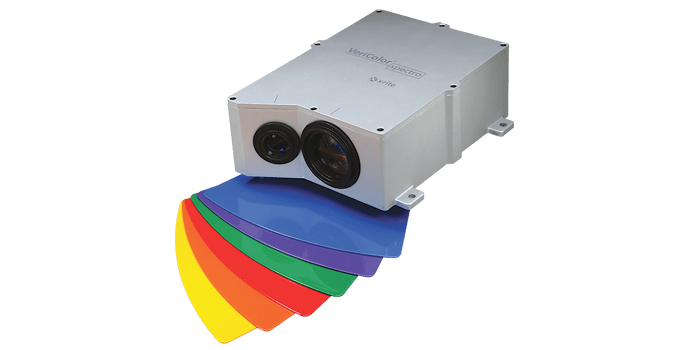
VeriColor Spectro
Ensure accurate color and fast change-overs with the affordable VeriColor Spectro, a compact, durable inline spectrophotometer ideal for harsh industrial manufacturing applications.
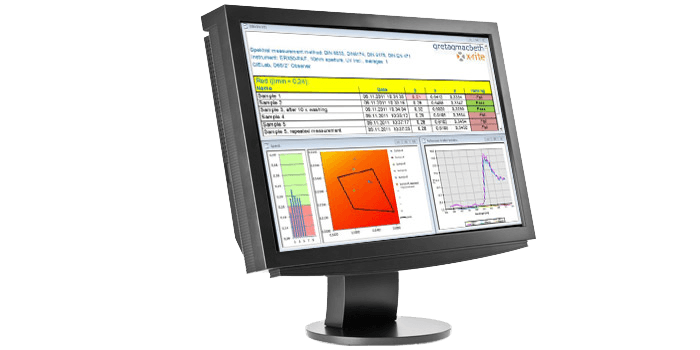
VSWin
Used with the VeriColor 410 non-contact spectrophotometer, VSWin software enables continuous color measurement and display of results.
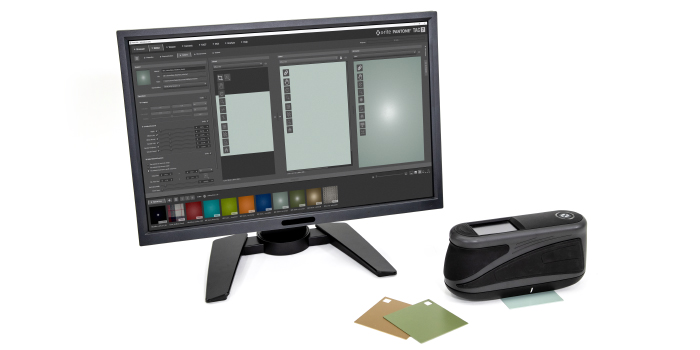
PANTORA
For Creating Virtual Materials and File Formats
The PANTORA desktop application enables users to capture, store, manage, view and edit virtual materials and digitally exchange them via a vendor neutral Appearance Exchange (AxF) file format.
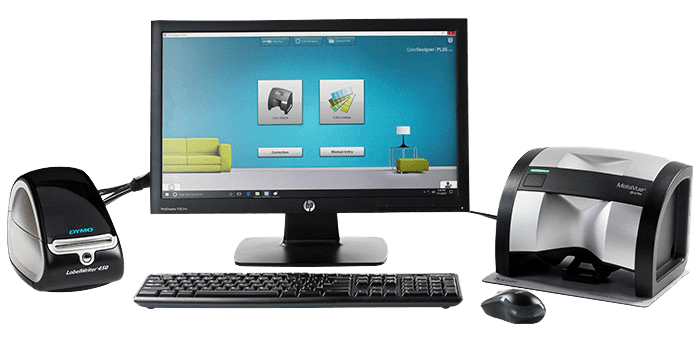
W Series
The W Series product bundles from X-Rite present 5 different combinations of software and color measurement instruments to meet the needs of retail paint operations of all sizes.
Virtual Material Service
Material Scanning Service
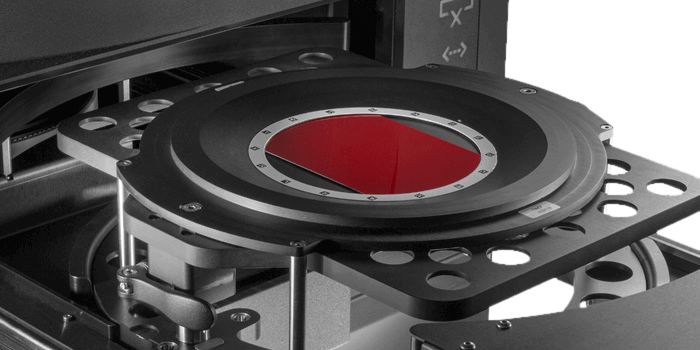
Let X-Rite experts handle the physical material scanning for you. Transform your samples into highly accurate digital material data files for use in 3D rendering applications.
X-Color QC
Quality Assurance Software
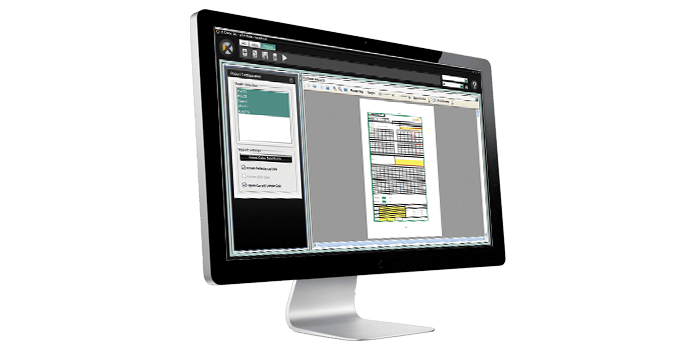
With X-Color QC, track and control color data for a variety of materials in automotive and other industries, with complete and real-time connectivity and controlled user access.
TAC7
For Scanning Appearance Characteristics
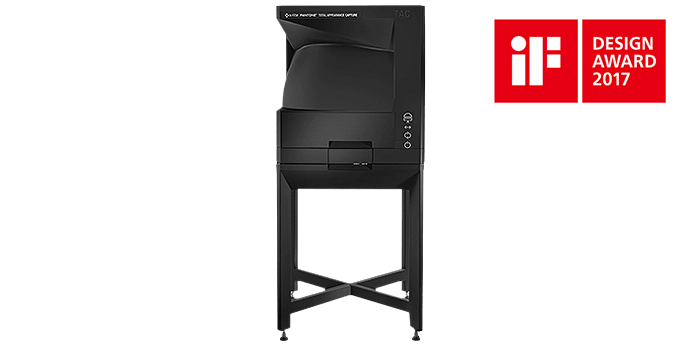
The TAC7 color scanner captures and stores color, texture, gloss and other surface appearance characteristics of physical material samples.
IntelliTrax2 Pro
Premier Press Side Scanning Solution
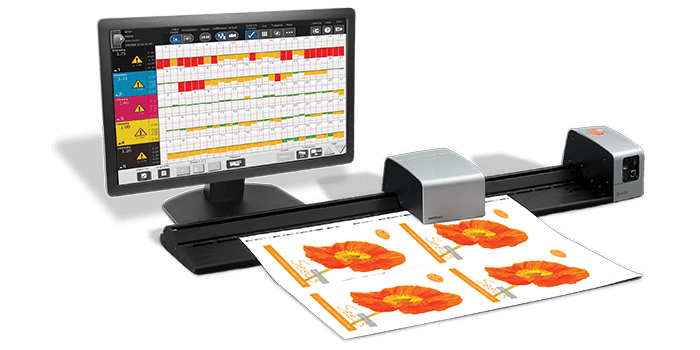
The IntelliTrax2 Pro integrated scanning solution provides mid- to large- size commercial and folding carton printers with instant feedback on job performance, with improved quality control reporting and with G7® compliance, for an end-to-end connected pressroom workflow.
Color Exchange Format (CxF)
Developed by X-Rite, CxF3 is an ISO standard that provides the digital industry with an accurate, efficient way to communicate color information across any supply chain.
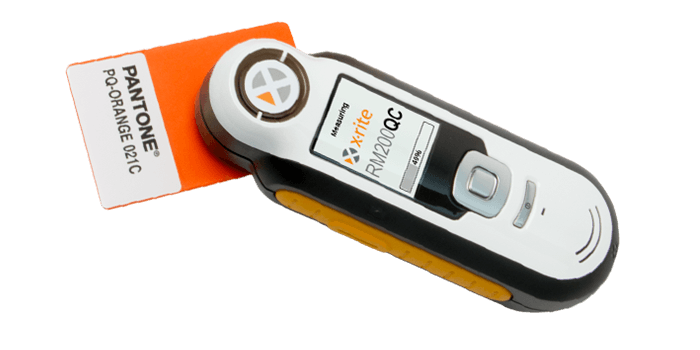
RM200QC Portable Spectrocolorimeter
For Quick Color Comparisons
The X-Rite RM200QC Imaging Spectrocolorimeter simplifies color measurement from incoming material to outgoing product shipments in a portable unit that fits comfortably in your hand.
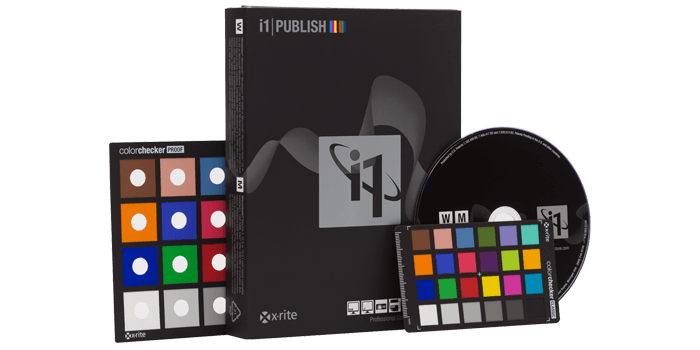
i1Publish
With i1Publish, quickly and easily create custom profiles for cameras, monitors, digital projectors, scanners and printers, ensuring color accuracy from capture to output.
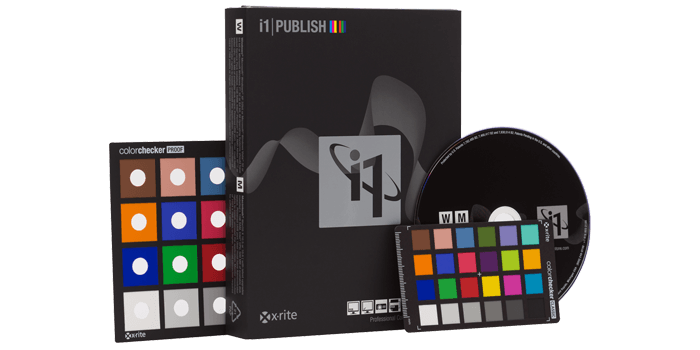
i1Publish Upgrade
Upgrade your i1Match, ProfileMaker or MonacoPROFILER solution to the complete functionality of i1Publish. Add an i1Pro 2 spectrophotometer for even more capability.

Appearance Exchange Format (AxF™)
For Communicating Material Appearance Data
AxF is a vendor-neutral file format that digitally stores and shares a material’s appearance properties across PLM, CAD and rendering applications.
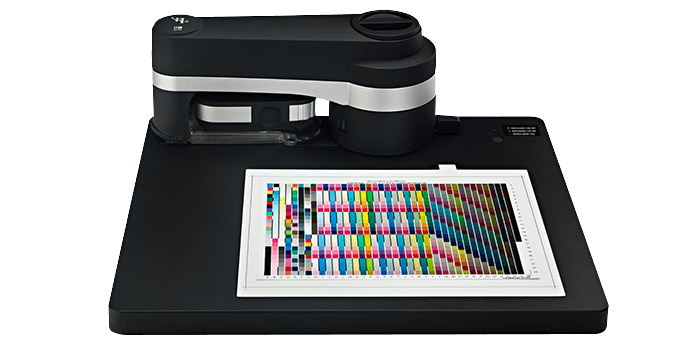
i1iO
X-Rite i1iO Automated Scanning Table enables hands-free test chart reading for automated color profiling on a variety of substrates with reduced risk of color measurement errors.
Out of Production
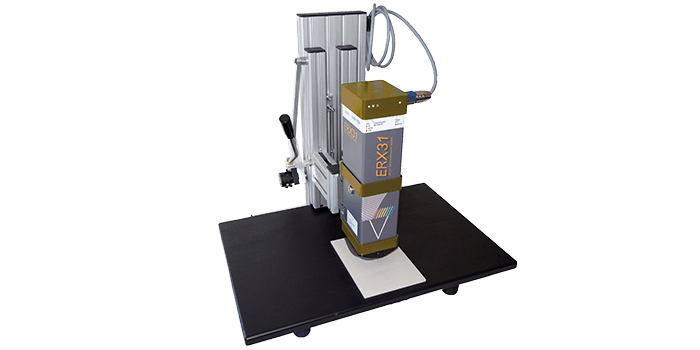
ERX31 Automotive Spectrophotometer
For Measurements on Automotive Interior Parts
X-Rite's ERX31 Laboratory Spectrophotometer can measure a variety of samples, including buttons, panels, leather, plastic foils, metal, textiles, carpet and more for the automotive industry.
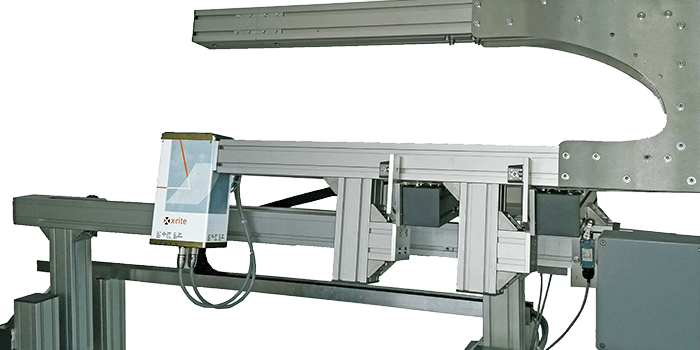
ERX55
For Inline Transmission Measurements
An inline non-contact spectrophotometer, the ERX55 measures color, visual light transmission and haze in the manufacture of transparent films to continuously monitor color quality.
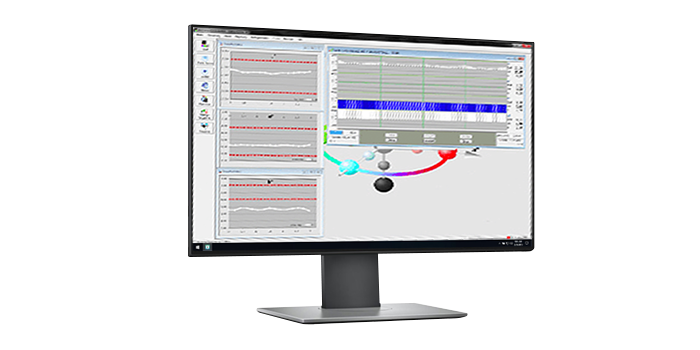
ESWin QC Software
For Inline Color Quality Control
ESWin QC connects with X-Rite inline spectrophotometers to monitor color directly on the production machine. It is used as a stand alone software or can comunicate with host systems.
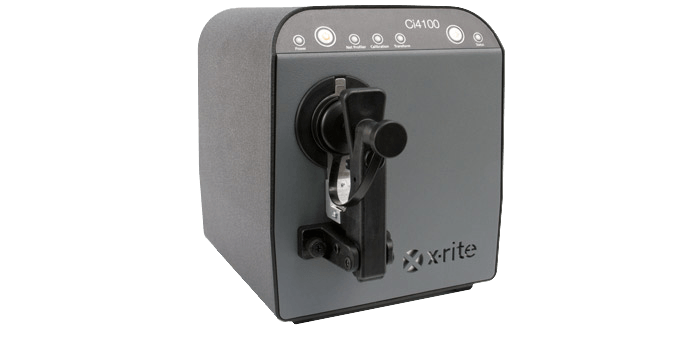
Ci4100 Compact Benchtop Spectrophotometer
For Retail Paint Measurement
The Ci4100 is an affordable compact benchtop sphere spectrophotometer specifically designed for versatility ease of use by counter personnel for retail paint matching.
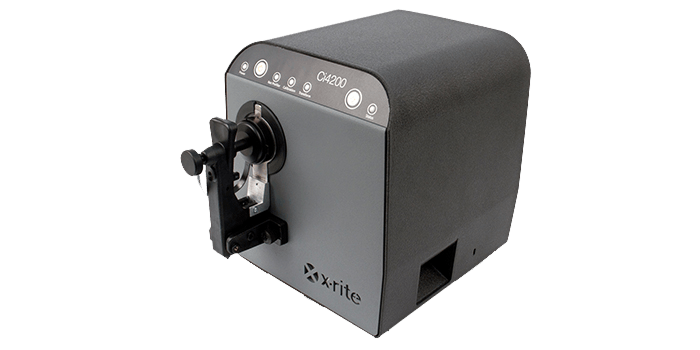
Ci4200 Compact Benchtop Spectrophotometer
For Reflectance Measurement
The Ci4200 is an easy-to-use compact benchtop sphere spectrophotometer that, combined with Color QC and Formulation software, supports an evolving color management program.
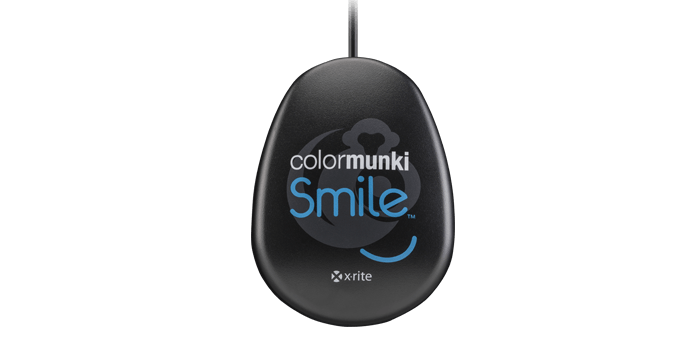
ColorMunki Smile
Out of Production – Upgrade to i1Display Studio for 64-bit compatibility
Out of Production
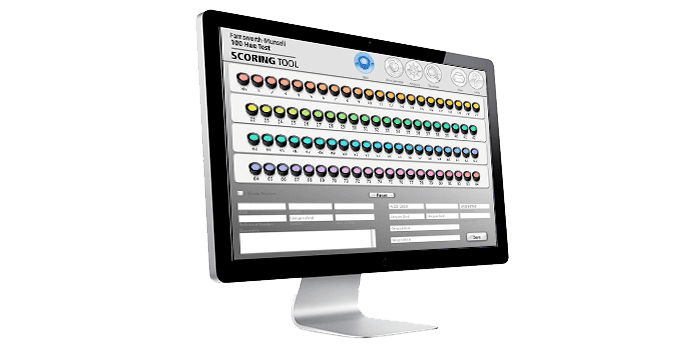
Farnsworth-Munsell 100 Hue Scoring Software
The Farnsworth-Munsell Hue Test Scoring Software expedites and simplifies scoring of the FM 100 Hue Test and provides a powerful set of analytical and administrative tools.
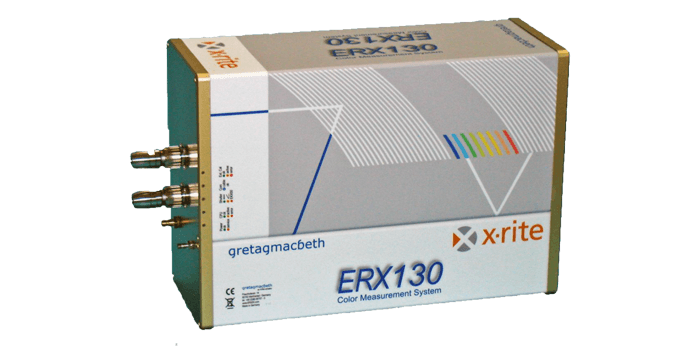
ERX130
For Inline Reflectance Measurements
The ERX130 inline spectrophotometer captures reflectance measurements on homogenious, small patterned and varigated samples during production to provide operators with real-time color information.
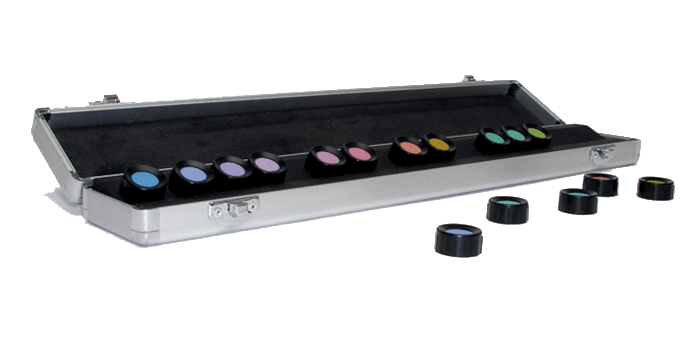
Farnsworth-Munsell Dichotomous D-15 Test
This fast, affordable test is used for evaluating an individual’s aptitude for discerning color variations.
